This LPH Customized CRM tutorial and all the other tutorials are a part of LPH's commitment to make our customers as productive as possible and promote the ease of using LPH Customized CRM and reduce the amount of effort required.
To view Calendars for one or more LPH SuiteCRM users
Click on
1. Activities
2. Calendar
3. Shared
4. Edit (circled in red)
A list of users will display in a menu. Select one or more users to view their
calendars.
Viewing and editing calendars is permission based. You may be only able to view
your own calendar.
A list of all the calendar
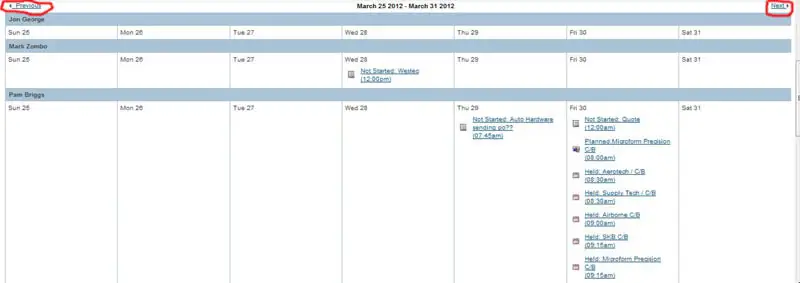
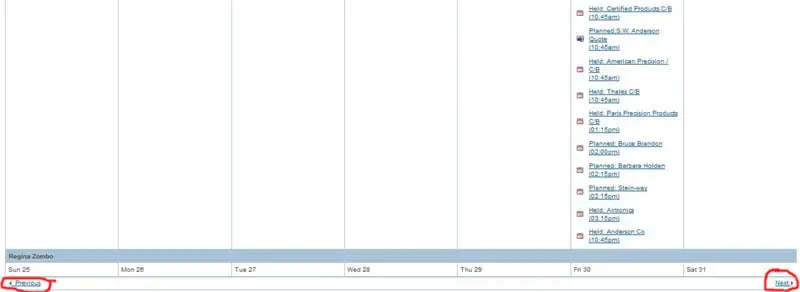
activities for the user(s) select will display. see below. To navigate
to a previous week or next week click on "Previous" or "Next" (circled in red)