This LPH Customized CRM tutorial and all the other tutorials are a part of LPH's commitment to make our customers as productive as possible and promote the ease of using LPH Customized CRM and reduce the amount of effort required.
To Update Account or Contact ownership you must sign
on to SuiteCRM with administrative privileges.
(If you own the business you have been assigned administrative privileges.)
Next click on Accounts or Contacts for a list of all Accounts or all Contacts. You may also retrieve specific lists. For example you may get a listing with all Account or Contact assigned to a specific person, or to a specific state. To do that click on Accounts or Contacts /Advanced Search and enter your search parameters.
When the list you want displays click on the Accounts
or Contacts you want to reassign.
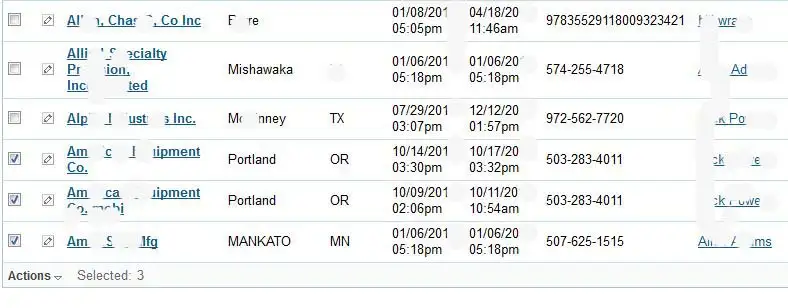
The Accounts listed about that have check marks are ready to be selected for
reassignment.
Click on Actions and a menu will pop up.
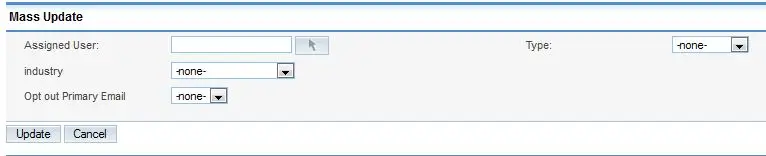
Click on the arrow to the right of the Assigned User
box. A list of names will display. Select the name you want to have the Accounts
or Contacts assigned to. The click on Update and all the checked Accounts or
Contacts will be reassigned to the new User.